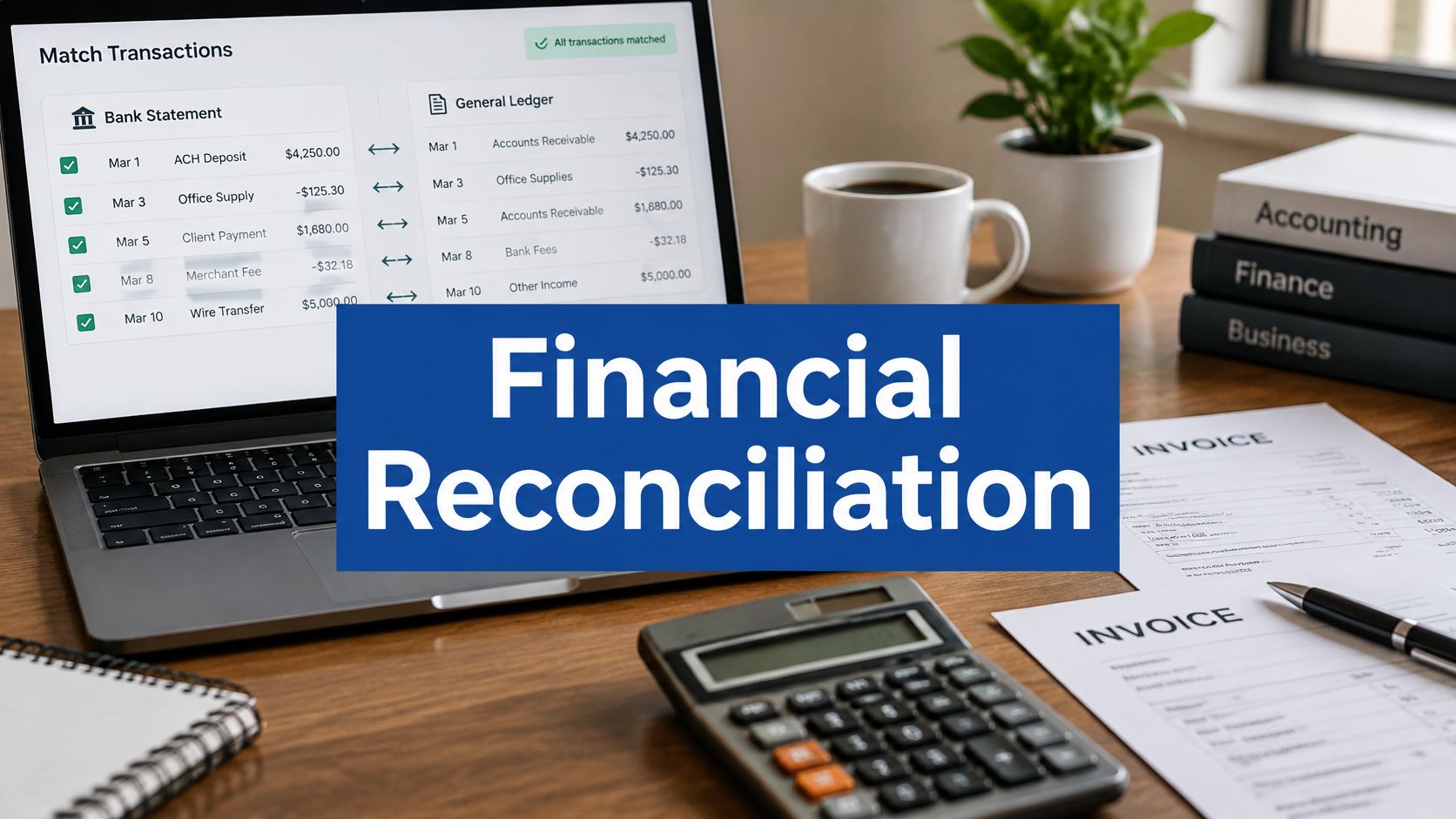


It's month-end, and you're still hunting for one card settlement that doesn't match the ledger. The bank file is open in one tab, invoices are in email, and a spreadsheet holds last month's notes. Nothing looks wrong, but you can't close until you prove it.
That gap between money moving and records agreeing is where automated financial reconciliation software earns its keep. Judge it less by its headline match rate and more by how it handles exceptions, fraud signals, and audit evidence. A clean transaction is easy. The messy ones decide whether your close takes hours or days.
What Automated Reconciliation Software Does Each Cycle
Reconciling business accounts works like checking household spending: you lay the bank statement beside your receipts and circle anything that doesn't line up. AI financial reconciliation does the same job across thousands of bank lines, invoices, card settlements, and ledger entries, and it repeats that job every cycle without tiring.
The cycle runs in a fixed order. First, the software ingests data from banks, processors, invoice tools, and the general ledger. Then it normalises dates, amounts, currencies, tax fields, and references so records can be compared on equal terms. Clean inputs decide almost everything that follows: a feed that arrives late or in a new format stalls the cycle before matching even starts.
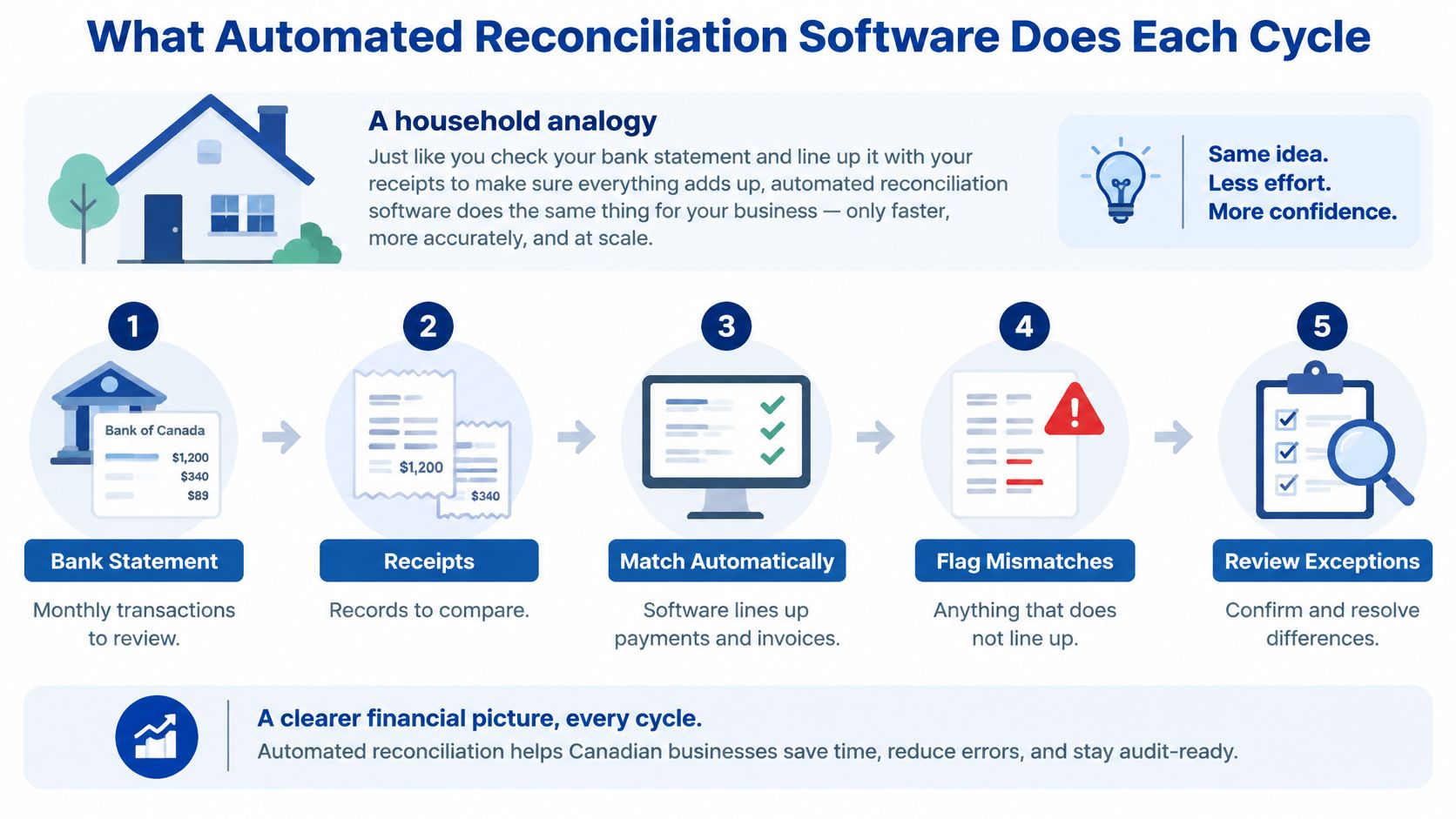
Next, the software matches records, routes anything unmatched to a queue, records approvals or overrides, posts approved adjustments, and archives the evidence. This ordered discipline is what makes reconciliation a core control in both public-sector and corporate reporting: every figure that reaches a financial statement carries a traceable path back to its source, and that path is what auditors test.
Reconciliation stages and what software automates
| Stage | What the software automates | What still needs a person |
|---|---|---|
| Data ingestion | Pulls bank feeds, processor reports and invoice data on a schedule | Confirms which accounts and sources are in scope |
| Normalisation | Standardises dates, currencies, amounts and reference fields | Approves mapping rules for new payment channels |
| Matching | Applies exact and rule-based matches, then suggests fuzzy matches | Reviews suggested matches above the agreed risk level |
| Exception handling | Routes unmatched items to a queue with age and amount | Investigates and resolves items with the right owner |
| Approval and posting | Records each decision and posts approved adjustments | Signs off on high-value or unusual adjustments |
| Archiving | Stores source records, match decisions and overrides together | Confirms retention periods and access rights |
Use this table in every demo. A vendor that can show ingestion and matching but cannot show the exception queue, the override record, or the archived evidence is automating the easy half of the job and leaving the hardest part in spreadsheets.
Demo rule: Ask to see an unmatched item move from queue to approval to archive. Don't settle for a dashboard of successful matches.
Readers who want wider background before a demo can explore finance and accounting topics to compare how reconciliation sits beside reporting, controls, and close management.
How Matching and Exception Handling Work
Start with the easy case. A bank deposit of 1,000.00 equals one invoice for 1,000.00, with the same reference and a close date. A deterministic rule can match and post it without help.
Real data rarely stays that tidy. Three customer payments may settle one invoice, or one processor payout may cover five invoices minus a fee. Transaction matching software needs grouping rules, tolerances, and suggested matches for names or references that almost agree.
That wider view matters because Canada's federal digital-payments analysis identifies reconciliation as a core stage of the complete purchase-to-pay and order-to-receive lifecycle, spanning invoice exchange, dispute handling, acceptance, settlement, collection, reconciliation, and archiving. Matching only the bank line while disputes and remittance details stay in email preserves the original problem.
Match types, examples and how to handle each
| Match type | Typical example | Best handling |
|---|---|---|
| One-to-one exact | Bank debit of 1,250.00 equals one invoice payment of 1,250.00 on the same day | Auto-match with posting |
| Many-to-one | Three customer payments settle one invoice | Auto-match using a grouping rule |
| One-to-many | One bank deposit covers five invoices | Split rule with reviewer check above a set amount |
| Tolerance | A 2,000.00 invoice settles at 1,970.00 after a processor fee | Match within an agreed tolerance and log the fee |
| Fuzzy name or reference | ACME LTD against Acme Ltd. on a remittance line | Suggest the match and require review until accuracy is proven |
| Duplicate or reversed | Same amount posted twice or a payment reversed | Route to exception queue and check for fraud signals |
Matching quality depends on structured identifiers. Invoice numbers, transaction IDs, purchase orders, and payment references give the software something firm to compare. When those fields are missing, it falls back to amount and date, and false matches become more likely.
AI helps after the rules have done their work. It can learn that a customer always shortens a reference in the same way, or that a processor batches settlements on certain days. Keep those suggestions in review until you've checked a sample and trust the pattern.
What a useful exception queue shows
Each unmatched item should carry its age, amount, source, suggested reason, and named owner. Age matters because a fresh timing difference is routine, while an item sitting through two closes may hide a missing invoice, a duplicate, or a bank error.
Set a stop point for automatic posting. Low-value, repeatable items can post on their own. High-value items, new suppliers, changed references, and new rules should wait for approval.
Weak rules create quiet risk. If the software matches on amount alone, it can clear the queue quickly and still post the wrong evidence.
Pilot with your own messy data, not a vendor sample. Pull a set of recent unmatched items and record how many the tool resolves safely, how many it suggests correctly, and how long a person needs to close each exception. Those results tell you more than a promised match percentage.
Spotting Payment Fraud Through Reconciliation Data
A matched payment isn't automatically a safe payment. Payments Canada reported that 20% of Canadian businesses experienced payment fraud during a six-month period in 2025, with impersonation fraud at 25%, intercepted e-Transfers at 22%, and fraudulent bank or credit-card charges at 20%.
Ask a harder question than whether two records agree. Can the system flag a changed supplier bank account, a duplicate payment, unusual timing, or payments split to stay under an approval limit? If it can't, reconciliation is only tidying records after money has moved.

Five controls that should not be confused
Transaction matching: Confirms that records agree on fields such as amount and reference.
Exception management: Sends disagreements and suspicious patterns to a named person.
Segregation of duties: Stops the same person from creating, approving, and clearing a payment.
Audit trail: Preserves who matched, changed, approved, or overrode each item.
Fraud escalation: Moves a credible warning sign out of routine review and into investigation.
Say a supplier invoice matches the expected amount and reference, but the bank details changed last week. The match is technically clean. Good payment reconciliation automation should still stop it, show the change, and send it to a second approver.
Interac e-Transfer diversion creates a similar test. The ledger may show the right payee name and amount while the money went to a different destination. Your workflow needs source bank evidence beside the internal record, not just a green matched status.
Teams designing that control layer can compare it with a dedicated payment fraud detection system approach. Cleffex's AI solutions are designed with auditability, transparency, and accountability in mind, which is the standard to apply when a suggested match affects money leaving the business.
Put three questions to every vendor. Which signals create an exception? Who can override a match? Is every override logged with a reason that an auditor can read later?
Meeting Canadian Record-Keeping and Integration Rules
Automation doesn't remove your record-keeping duty. The Canada Revenue Agency's electronic record-keeping guidance requires electronically stored business records to remain in an electronically readable format for at least six years after the end of the relevant tax year, with enough detail to determine and verify GST/HST charged on taxable supplies and GST/HST paid on purchases.
That rule shapes accounting system integration. If the software stores only final totals, you may know the balance but lose the transactions, tax fields, and decisions that support it.
Three design checkpoints
Keep the source: Preserve transaction-level bank, processor, invoice, receipt, and payment data beside the match decision.
Keep the link: Connect each source document to the summarised financial account, adjustment, and any human override.
Keep a separate backup: Maintain readable copies away from the main business location, so an API change or closed platform account doesn't erase history.
An accurate AI match can still fail an audit. If nobody can reproduce which records were compared, which rule fired, and why a person accepted a suggestion, the result lacks evidence. Ask the vendor to export one completed reconciliation and walk through it line by line.
Some firms also need threshold flags. FINTRAC's record-keeping fact sheet states that a large cash transaction record is required when cash received in a single transaction is equivalent to $10,000 or more, a large virtual-currency transaction record is also required at the equivalent of $10,000 or more, and required records must be maintained so they can be provided within 30 days of a request. Deterministic rules should govern those flags, while AI assists with classification and matching.
Checklist for your accountant
Retention: Can we retrieve readable records for the full period?
Tax detail: Are GST/HST fields preserved from source to ledger?
Access: Do role-based permissions and multi-factor sign-in limit who sees each account?
Protection: Is data encrypted in transit and at rest, with complete access logs?
Location: Where is data stored, and who can reach the backups?
Businesses that want help checking those answers can find accounting and tax support online, and regulated teams should also review broader fintech compliance solutions before connecting bank and payment data.
Choosing Software by Business Size
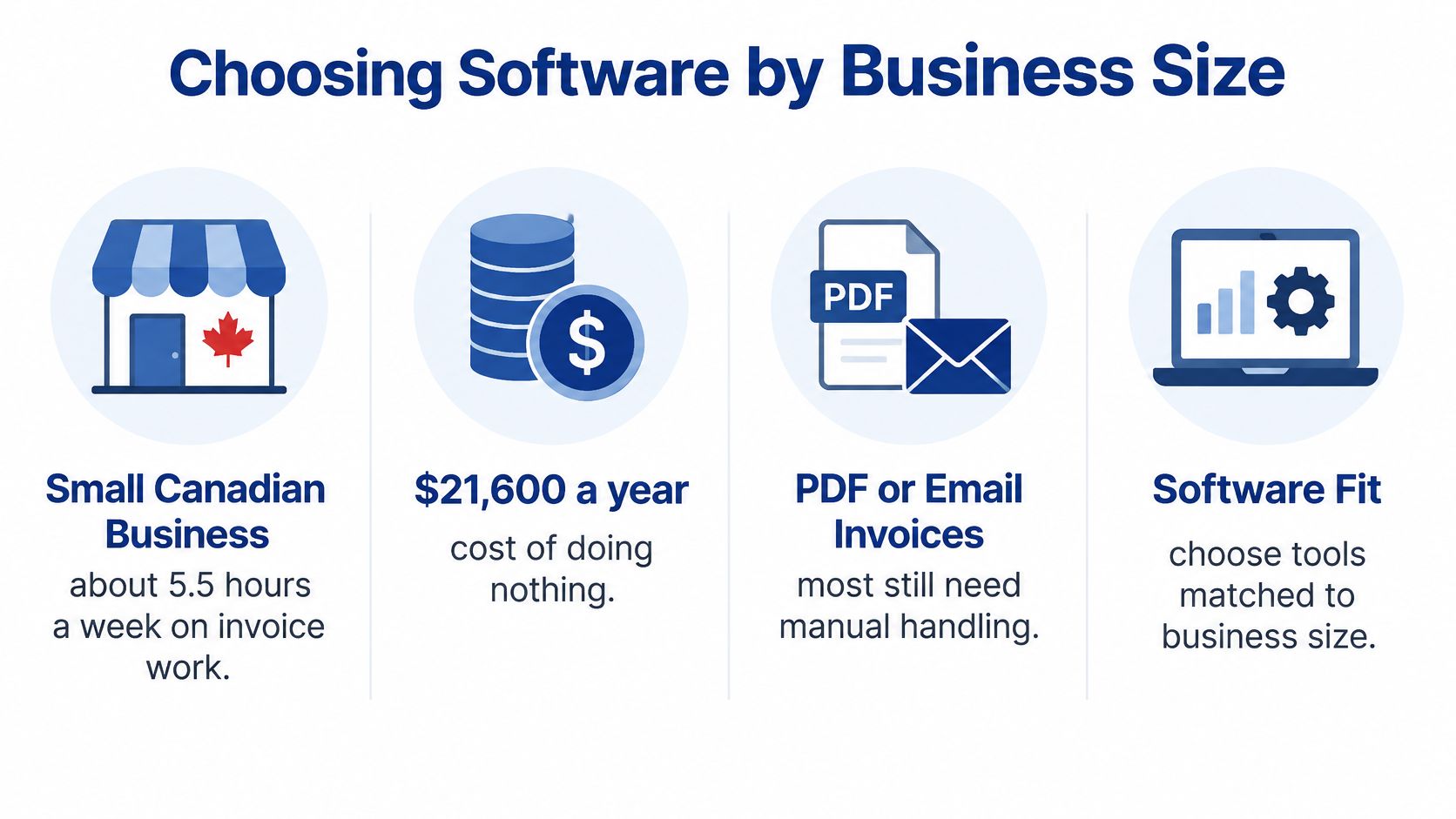
Manual invoice work has a visible cost. Sage's 2026 survey of 2,002 Canadian business owners and senior leaders reported that only 7% used electronic invoicing, while 79% still sent PDF or email invoices requiring manual processing, and estimated that a typical small Canadian business spends approximately 5.5 hours per week handling invoice work, valued at about C$21,600 annually.
Your starting point should fit your volume and control needs. Buying enterprise workflow for a small ledger wastes time, while stretching a basic bank-matching feature across several entities creates hidden manual work.
Reconciliation software priorities by business size
| Business size | Main goal | Where to start | Risk to watch |
|---|---|---|---|
| Small, under $10M revenue | Save staff hours on bank and invoice matching | Bank feeds and rules-based matching in the current accounting tool | PDF and email invoices that bypass the matching rules |
| Mid-sized, $10M to $1B revenue | Shorten the close and tighten controls | Multi-bank coverage, AP and AR matching, routing into the ERP | Integration gaps and inconsistent source data |
| Large enterprise, over $1B | Governance, scale and audit evidence | Full workflow with role-based approvals and audit logs | Long migration and change-management effort |
Integration routes differ. Native connectors suit common accounting packages, APIs suit ERPs and CRMs, and scheduled SFTP or CSV files may be the honest option for older systems. Cleffex specialises in integrating AI capabilities into existing platforms, including CRMs, ERPs, and custom software without disrupting current workflows.
Software should also accept PDFs and spreadsheets at first. Suppliers won't all move to structured invoices on your timetable, so the system needs a gradual path that improves references and tax fields over time. Independent shortlists such as the finance automation picks from Jumpstart Partners can help you compare that practical fit beside vendor claims.
Pricing may be a flat monthly fee by account or entity, a per-transaction charge, or a per-user licence. Ask for a one-year total covering setup and integration, then compare it with hours removed. Our AI development costs depend on scope, data requirements, and solution complexity, and we provide detailed proposals upfront while working to optimise cost-efficiency.
Score each option on source coverage, exception tooling, audit evidence, integration effort, and measurable outcomes. The cheapest licence loses its appeal if staff still export files every morning.
Frequently Asked Questions About Reconciliation Software
Does automated reconciliation replace my accountant?
No. It removes repetitive matching, while people keep approvals, judgement calls, and investigations. Your accountant should also review the audit trail before you choose a tool, because they'll be the person relying on that evidence at year-end.
A good test is to ask your accountant to trace one adjusted transaction in the demo. If they can't reach the source invoice, bank line, rule, and approval quickly, the workflow isn't ready.
How long does implementation take?
A single bank feed can go live in days if the chart of accounts is tidy and references are consistent. A multi-entity ERP connection can take months, especially when several banks, currencies, approval paths, and legacy invoice formats are involved.
The slowest part is usually deciding who owns exceptions. Set approval limits and naming rules before configuration starts, or the project will pause whenever an unusual transaction appears.
Is it practical for a small team with no finance staff?
Yes, if the tool sits inside the accounting package you already use and starts with bank feeds and simple rules. Don't begin with every payment channel. Pick the account with the highest volume and clearest references.
Name one person to own the exception queue, even if they also handle operations or sales administration. Shared ownership sounds flexible, but ageing items need a single person who notices them.
What should I do when the software makes a wrong match?
Check the match reason and override log first. Reverse the posting if needed, then look for a pattern. Repeated errors involving one supplier or reference usually mean a rule is too loose, or source data needs cleaning.
Don't switch tools after the first mistake. Tighten the rule, lower the automatic posting limit, and review the next batch from that supplier manually. A staged rollout gives you those controls before the error can affect every account.
Plan a Staged Rollout Before You Buy
Full automation is a sequence, not a purchase. A 2025 survey of 500 Canadian small and medium-sized business leaders found that 27% still relied heavily on manual financial processes and only about one-third reported being fully automated.
Start where the data is cleanest. Prove the workflow on one account, then expand only when exception handling and approvals work under real month-end pressure.
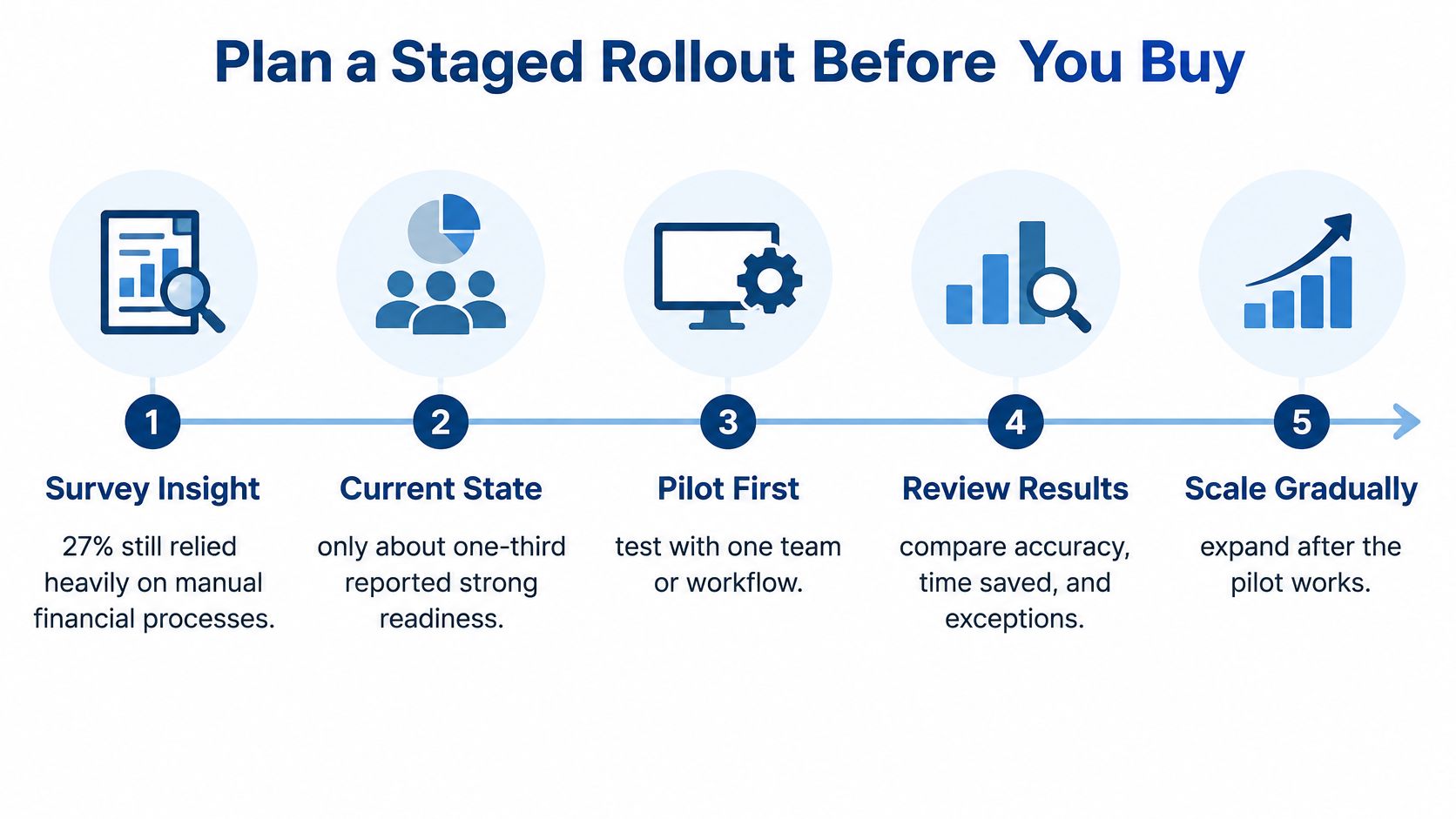
Four stages that build control
Connect and clean: Set up daily bank feeds, remove duplicate accounts, and tidy the chart of accounts.
Match the routine: Automate high-volume, low-risk items such as subscriptions and card settlements.
Own exceptions: Give every queue item an owner, due date, and target resolution time.
Strengthen approvals: Add limits, fraud checks, and structured e-invoicing as suppliers are ready.
Track exception resolution time, close-cycle length, the share matched without manual work, and the number of overrides. A rising match rate with rising overrides isn't progress. It may mean your rules are getting looser.
Buy after you've mapped the work, not before. Software can't fix an approval step that nobody owns.
Before committing, review your current process with fresh eyes. Cleffex offers AI audits to evaluate existing systems and processes, and AI maturity assessments to benchmark an organisation's AI journey technologically, operationally, and culturally. A practical software vendor onboarding roadmap can also help you sequence access, training, and acceptance checks.
Insurance and fintech firms can compare their needs with our insurance and fintech services, while general enquiries can start through the Cleffex homepage. This week, list your three highest-volume reconciliation flows and time each one for two weeks. That evidence will make every vendor conversation sharper.
If your team needs reconciliation built into the systems it already trusts, Cleffex Digital Ltd can design and integrate AI-powered matching, exception workflows, and audit-ready reporting around your accounting, ERP, CRM, or custom platform. Visit Cleffex Digital Ltd to discuss a staged build that starts with your highest-volume flows and proves value before it scales.